
Quick Answer: Can Text-to-Speech Actually Help You Study?
Yes — and the way it helps most students is dead simple. Bimodal reading just means you read the text on screen while a voice reads it aloud to you. Two senses on the same page. Students use it to proofread essays, convert PDFs and Word docs into MP3s for commute revision, and power through long readings with less eye strain.
The catch, and we will say it plainly: TTS is a study tool, not a study replacement. Passive listening — zoning out while audio plays — does not stick. This guide covers how to use it right, where it genuinely shines (dyslexia-friendly reading, language practice, proofreading by ear), and where it flat-out fails (formulas, scanned PDFs, dense math).
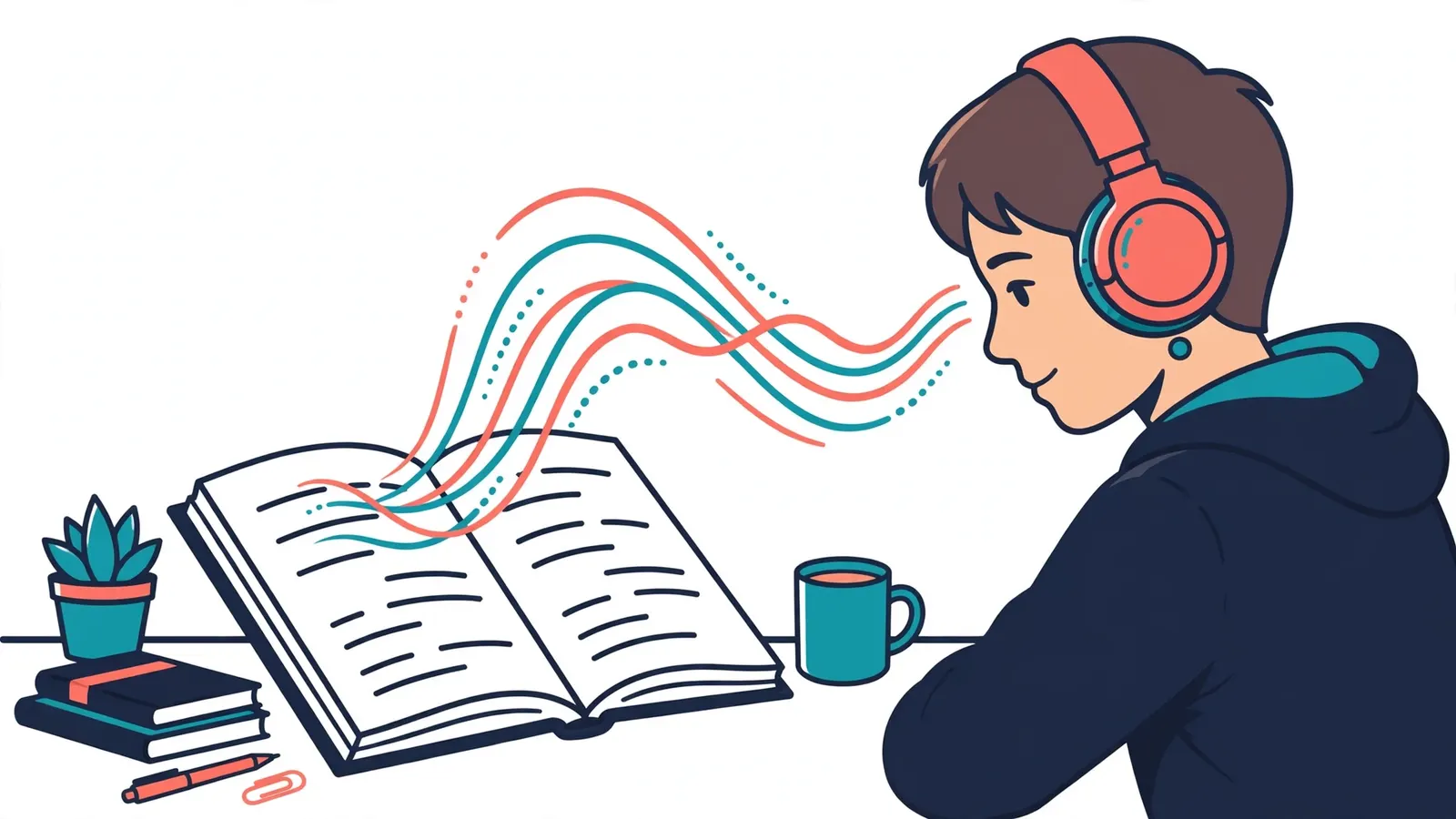
1. What Bimodal Reading Actually Is
Bimodal reading is just a fancy name for something you have probably already done: reading along with an audiobook. Your eyes follow the text, your ears follow the narration — same words, two channels at once.
Why does that matter for studying? Because it keeps you honest. When you read silently, your eyes skim. They skip words, they glide past typos, they wander off the page entirely. A voice reading the same text at a steady pace drags your attention back. That is the whole trick — not magic, just momentum.
You can try it free right now on TextToSpeechH AI. Paste your notes into our Online Text to Speech Generator and read along, or explore the assistive Read Aloud Page.
2. Why Hearing + Seeing Together Works
There is a well-known idea in learning science called dual-coding — basically, your brain processes what you see and what you hear through partly separate channels. When a dense 50-page paper arrives, your visual channel is doing two jobs at once:
- Decoding: turning letter shapes into sounds in your head (this is the tedious part).
- Understanding: turning those sounds into actual meaning (this is the part that counts).
TTS takes the first job off your plate. The voice handles the mechanical work of sounding out words, which frees your attention for the harder part — actually thinking about what you are reading. Nobody is claiming it makes you smarter. It just moves the effort to where it belongs.
3. Dyslexia, ADHD & Visual Impairments: What TTS Honestly Does (and Does Not)
This is the part we will not oversell. Text-to-speech is genuinely useful for students with dyslexia, ADHD, or visual difficulties — but it is a support tool, not a treatment. It does not fix dyslexia. What it does is let you get to the content without fighting the decoding step first.
Dyslexia
If sounding out words eats most of your energy, bimodal listening lets you skip that fight and go straight to understanding the material. Plenty of students with dyslexia use TTS to keep up with university-level texts at their own pace.
ADHD
A steady narrating voice gives your reading a rhythm, which helps if your eyes tend to skip lines or your mind drifts mid-paragraph. It is not a focus cure — but the pacing does make long readings less slippery.
Visual Strain
Late-night study marathons burn your eyes out. Listening hands-free lets you revise without staring at a screen — rest your eyes, keep your brain working.
4. Turning Your PDFs, DOCX & Textbooks Into MP3s
This is the workflow that converts most students: take the reading you would have stared at, turn it into an MP3, and listen anywhere. TextToSpeechH AI reads your files right in the browser and gives you a downloadable audio track:
- PDFs (
.pdf): journal articles, syllabi, textbook chapters. Upload directly on PDF to Speech. - Word docs (
.docx): your own notes, draft essays, research summaries. Use Word to Speech. - Plain text (
.txt): code notes, exported lists, anything simple. Try TXT to Speech.
One honest warning: scanned PDFs with weird layouts (multi-column journals, image-heavy textbook pages) can extract badly — see the troubleshooting section below before you blame the voice.
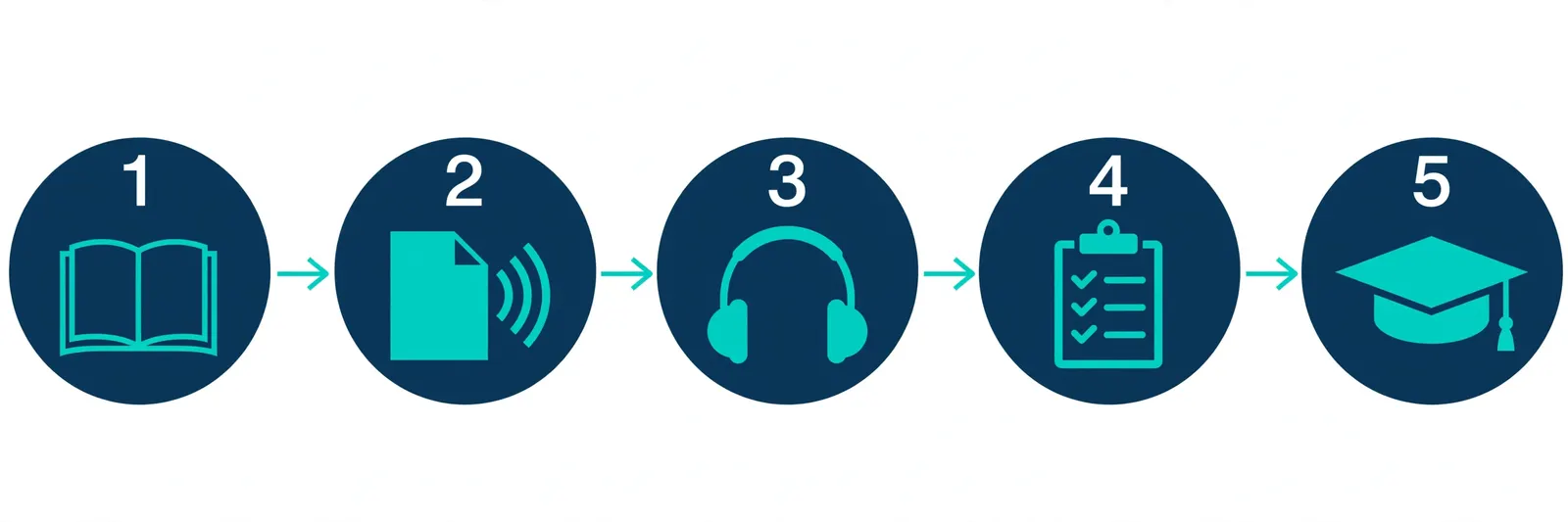
5. The 5 Study Workflows Students Actually Use
- Essay proofreading. Paste your assignment into Free Text to Speech and listen. Your ears catch clunky sentences, repeated words, and missing commas that your eyes read right over. This one alone is worth it.
- Commute revision. Convert the week's readings to MP3 and listen on the bus or train. Dead time becomes review time.
- Listen + scribble. Play your study guide while jotting key points in the margin by hand. Writing forces your brain to stay engaged — and engagement is what makes it stick.
- Exam-week skimming. Push playback to
+25%or+50%to blast through 40 pages of notes before the test. Only after you have actually learned it once, though — speed listening is review, not first contact. - Pronunciation practice. Switch to a native voice —
es-ES-ElviraNeural,fr-FR-DeniseNeural, and friends — to hear how words are really supposed to sound before your oral exam.
6. If You Are a Teacher: Classroom Ideas That Work
Teachers do not need a lecture on pedagogy — so here is the practical version. Audio handouts are cheap to make and genuinely useful for mixed-ability classrooms:
- Hand out audio with the text. Give students the reading plus its MP3. Auditory learners and students with reading difficulties get an on-ramp without singling anyone out.
- Instant accommodations. Students with IEPs or 504 plans get audio access to materials on day one — no special hardware, no waiting for services to deliver files.
- Listening exercises for language classes. Generate native-speaker audio in Spanish, French, German, Hindi, or Japanese for dictation and comprehension practice.
7. Learning a Language? Use This for Pronunciation
The hardest part of a new language is hearing how it actually sounds — where the accent lands, where one word ends and the next begins. Textbooks do not teach that. Hearing a native voice say it does.
Native voices students use most
- Spanish (Castilian):
es-ES-ElviraNeural - French (Parisian):
fr-FR-DeniseNeural - German:
de-DE-KatjaNeural - Hindi:
hi-IN-SwaraNeural&hi-IN-MadhurNeural - Urdu:
ur-PK-UzmaNeural - Japanese:
ja-JP-NanamiNeural
One caveat: TTS nails standard accents but mangles slang, homonyms, and context-dependent pronunciation. Use it to build your ear, then sanity-check with a real teacher or native speaker before the exam.
8. Speed Listening Without Missing Everything
Speed listening is exactly what it sounds like: listening at 1.25x–2x to review material fast. On TextToSpeechH AI you can tune the rate from -50% to +100%. Here is the method that actually works:
- Start at just
+15%. It feels normal within ten minutes. - Train upward slowly as your ear adjusts — most students settle around
+50%for review. - Drop back to normal speed for new or hard material. High speed on concepts you have never seen is just noise.
9. The Honest Pros and Cons
Where It Helps
- Free generation with direct MP3 downloads — no account, no cost.
- Proofreading essays by ear catches mistakes your eyes miss.
- Makes long readings accessible for dyslexic students and reduces eye strain.
- Commute and chore time becomes review time.
Where It Hurts
- Passive listening does not stick. Audio playing in the background while you scroll your phone is not studying.
- Math and formulas break it. TTS reads symbols literally or skips them — write formulas out in words first, or stick to reading them visually.
- Pronunciation is not perfect. Technical jargon, acronyms, and non-English names often come out wrong. Verify against the text.
- Do not let it replace reading. Skimming visually is still faster for review, and exams test your understanding, not your listening.
10. Best Practices That Actually Help You Retain More
- Stay active. Pause every few minutes and write down three key takeaways in your own words. If you cannot, you were not listening.
- Use punctuation as stage directions. Add commas and periods in your input text to force natural pauses — it makes the narration breathe and the ideas easier to follow.
- Organize by chapter. Save one MP3 per chapter in a folder per course. "Track_01_to_47.mp3" helps nobody at 2 AM before finals.
11. Mistakes Almost Every Student Makes
- Jumping straight to 2x speed. Without trained listening, fast audio on new material is just confident-sounding gibberish to your brain. Build up gradually.
- Uploading messy scanned PDFs. Blurry textbook scans extract into garbled text, and garbled text becomes garbled audio. Clean the text first.
- Treating it as a replacement for reading. TTS is a partner for your notes, not a substitute for engaging with them.
12. Fixing Common Audio & File Problems
- PDF extracts into a mess: multi-column journals and image-heavy pages confuse extraction. Copy the text and paste it directly into Free Text to Speech instead.
- Symbols and formulas sound wrong: spell things out — "H-2-O", "square root of X", "X plus Y equals Z". TTS is a reader, not a mathematician.
13. What Students Really Ask For in a Study Tool
Strip away the marketing language and the student wishlist is embarrassingly simple: free, no signup, no character-count traps, works on whatever device they already own. That is the design we aimed for — open the page, paste your text or drop your file, get your audio, get back to studying.
14. A Simple Setup by Subject
A Starting Point (Adjust to Taste)
- Humanities & history:
en-US-JennyNeural, normal rate, eyes on the text while it reads. - STEM & science:
en-US-GuyNeural, slightly slower, and pause to take notes — slow down, this stuff is dense. - Literature & drama:
en-GB-SoniaNeuralorur-PK-UzmaNeuralfor a voice with some life in it.
There is no magic voice-speed combo. Try one, notice whether you stay engaged, adjust. The best setup is the one you actually keep using.
15. Summary & Key Takeaways
- Bimodal reading — following text while it is read aloud — keeps your attention on the page and makes long readings less draining.
- The biggest real-world wins: essay proofreading by ear, PDF-to-MP3 commute revision, and accessibility for students with dyslexia or visual strain.
- The biggest traps: passive listening, fast speeds on unfamiliar material, and letting the voice handle math or technical symbols.
- It is free, no signup, and works in your browser — so the cost of trying it is about two minutes of your time.
16. Frequently Asked Questions
Q1: Is TextToSpeechH AI 100% free for students and teachers?
Yes — no credit card, no subscription, no signup. Open Free Text to Speech and generate.
Q2: What is bimodal reading and how does it help students?
It is reading text visually while a voice reads it aloud at the same time. The voice sets a steady pace, which keeps your eyes from skimming and makes long sessions less tiring.
Q3: How does text-to-speech assist students with dyslexia?
If decoding words is the hard part, hearing them read aloud lets you skip straight to understanding the content. Try our Read Aloud page. To be clear: TTS is a support tool, not a treatment for dyslexia.
Q4: Can I convert PDF textbooks into MP3 files?
Yes — upload the PDF on our PDF to Speech tool and download the full audio track. Just check the extracted text first if the PDF has a complicated layout.
Q5: Can I proofread my college essays using text-to-speech?
Absolutely — and honestly, this might be the best use of the whole site. Hearing your essay read back exposes awkward phrasing, repeated words, and run-on sentences your eyes glossed over.
Q6: What document formats are supported?
PDF (.pdf), Microsoft Word (.docx), and plain text (.txt).
Q7: Can I adjust the speaking speed for study revision?
Yes — the rate slider goes from -50% to +100%, so you can slow dense material down or speed review sessions up.
Q8: How does TTS help language students master pronunciation?
Pick a native voice for your target language — Spanish, French, German, Hindi, Urdu, Japanese — and listen to how words are actually stressed and connected. It builds your ear; just double-check tricky words with a teacher before exams.
Q9: Is there a character limit on free student conversions?
No. Free speech synthesis without daily quota limits.
Q10: Can teachers create audio study guides for classrooms?
Yes. Generate the MP3 and share it with the class — handy for remote learning, revision packs, and students who need an alternative to written handouts.
Q11: Which AI voice is best for reading science textbooks?
en-US-GuyNeural and en-US-JennyNeural are both clear and steady on technical text. Run it a bit slower for science, and keep in mind symbols and formulas need to be written out in words — the voice cannot read a fraction notation.
Q12: Can I download audio directly onto my mobile phone?
Yes — hit "Download MP3" and it saves straight to your phone's storage.
Q13: Does TextToSpeechH AI work on Chromebooks?
Yes. It runs entirely in the browser, so Chromebooks work fine with no installation.
Q14: How does TTS support students with ADHD?
Continuous narration gives your reading a steady rhythm, which helps if your eyes skip lines or your attention drifts. It is a pacing aid, not a treatment — but many students find long readings more manageable this way.
Q15: Can I convert Microsoft Word documents to speech?
Yes — use the dedicated Word to Speech tool for .docx files.
Q16: Are Spanish voices available for language classes?
Yes — es-ES-ElviraNeural gives you clear Castilian Spanish for listening practice and oral-exam prep.
Q17: What is speed listening?
Listening to study audio at 1.25x–1.75x speed to review material quickly before exams. Build up to it gradually — jumping to high speeds on new material just does not land.
Q18: Do I need to create an account to download MP3 files?
No. No account, no registration — just generate and download.
Q19: How do I handle mathematical symbols in text to speech?
Spell them out in words — "X plus Y equals Z", "square root of X". TTS reads symbols literally or skips them entirely, so written-out math is the only reliable route.
Q20: How do I return to the main Text to Speech portal?
Click Text to Speech Master Guide anytime.
Related Guides
Sources & References
- W3C Web Accessibility Initiative — "Audio Content & Video Content" text-to-speech guidance: www.w3.org/WAI/media/av/av-content/
- Wikipedia — Speech Synthesis & Speech Recognition: en.wikipedia.org/wiki/Speech_synthesis
- van den Oord et al. — WaveNet: A Generative Model for Raw Audio: arxiv.org/abs/1609.03499
- Shen et al. — Natural TTS Synthesis by Conditioning WaveNet on Mel Spectrogram Predictions (Tacotron 2): arxiv.org/abs/1712.05884
- Google — Neural Text-to-Speech & AI Overview documentation: cloud.google.com/text-to-speech