
You can now clone a voice with a free model that runs on your own computer — no monthly subscription, no cloud API bill, no sending your audio to someone else's server. On October 29, 2026, Edge0 released Audio8-TTS-Realistic, a 0.6-billion-parameter open-weight model that clones a voice from a single reference clip and its transcript, in 23 languages, under the permissive Apache 2.0 license.
That is the headline. The honest version is a little longer: this is a developer tool, not a website you open and click. If you want a voiceover today, with zero setup, you are still better off generating it in your browser. But if you have ever wondered what "free voice cloning" actually costs once you remove the subscription, Audio8 is the clearest answer yet.
Quick Answer: Free Voice Cloning, No Cloud
Audio8-TTS-Realistic clones a voice from one short recording plus the exact words spoken in it. The model and code are free under Apache 2.0, it covers 23 languages, and it runs on a decent GPU. For instant voiceovers with no setup at all, paste your script into TextToSpeechH, pick a voice, and download the MP3 free, no sign-up.
What Edge0 actually released
Audio8-TTS-Realistic is the second release in Edge0's Audio8 family, following the Preview model. The numbers that matter, as reported by MarkTechPost on October 30, 2026:
- 601 million parameters in the main model (the audio codec is separate) — small by 2026 standards, which is the whole point.
- 23 languages, 12 more than the Preview model's 11. New additions include Arabic, Hindi, Indonesian, Norwegian, Portuguese, Russian, Swedish, Thai, Turkish and Vietnamese.
- Apache 2.0 license for the weights and code, which permits commercial use and modification.
- 44.1 kHz neural audio codec, bundled with the tokenizer, processor and custom Transformers code.
- Zero-shot cloning: no fine-tuning run for each new voice. You hand it a clean reference clip and the exact transcript, and it speaks new text in that voice.
One honest caveat: these are the release claims and self-reported benchmarks, not independent long-term testing. Treat the exact scores as a launch snapshot, not a settled verdict.
Why "small" is the story here
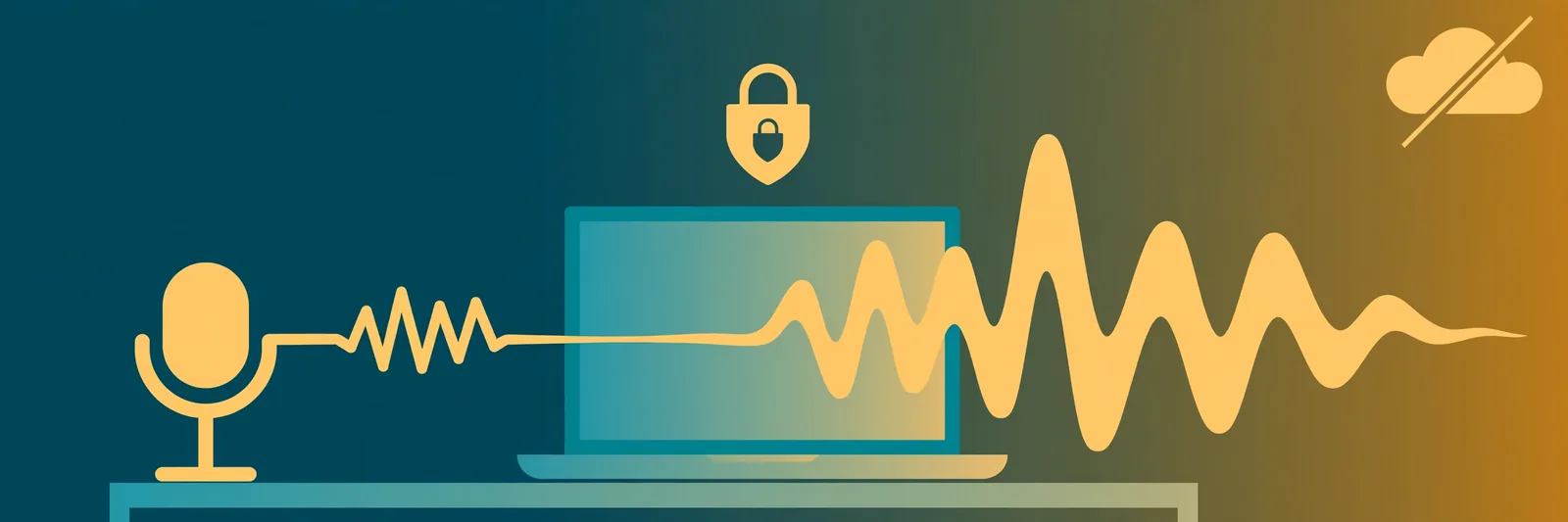
Most voice cloning you have used runs on someone else's servers. You upload audio, the company processes it, and you pay per character or per month. A 0.6-billion-parameter model flips that arrangement: it is small enough to run locally, which means your audio never has to leave your machine and there is no per-use meter running.
Edge0's own reasoning is worth quoting. In its technical report, the team argues that the usual scores — word error rate and speaker similarity — "miss rhythm, pauses and timing," and that "a model can score well on both and still sound synthetic." That is why the final training stage uses a learned "realism critic" trained on a quality ladder built from six open-source TTS systems, with human recordings at the top, plus a technique called GRPO (Group Relative Policy Optimization) to reward speech that sounds more like a real person.
The benchmark numbers, again as reported by MarkTechPost from Edge0's own evaluation: a 4.86% average error across 9 languages on the CV3 test, against 7.73% for the larger Qwen3-TTS-1.7B — but a weak 48.57% word error rate on Thai, and larger 4-billion-class models still lead overall. Small does not mean best at everything. It means good enough, and yours.
What you need to actually run it
This is where the dream meets the desk. Audio8 is not a website. To run it you need:
- A computer with a CUDA-compatible GPU — Edge0 recommends one and validated the model on an NVIDIA H20. The research paper reports 1.1 to 1.2 GiB peak memory on an Apple M2 CPU using an INT4 ONNX build, but no official ONNX export for this Realistic version is public yet, so CPU use is not the happy path.
- Python with PyTorch 2.5+ and Transformers 4.57+, loading the model with
trust_remote_code=True(use that flag only if you trust the source). - A clean reference clip and its exact transcript. The transcript matters as much as the audio — the model needs to know precisely which words it is hearing.
- Patience for setup. The GitHub repo adds a command-line interface, batching and fine-tuning scripts, and there is an SGLang adapter for serving it as an API. A free playground runs on Hugging Face ZeroGPU if you just want to hear it before installing anything.
If that list made your eyes glaze over, that is useful information, not a failure. It tells you this tool is built for developers and tinkerers right now — and that the browser-based option is the right one for everyone else.
Audio8 vs the voice cloning you already know
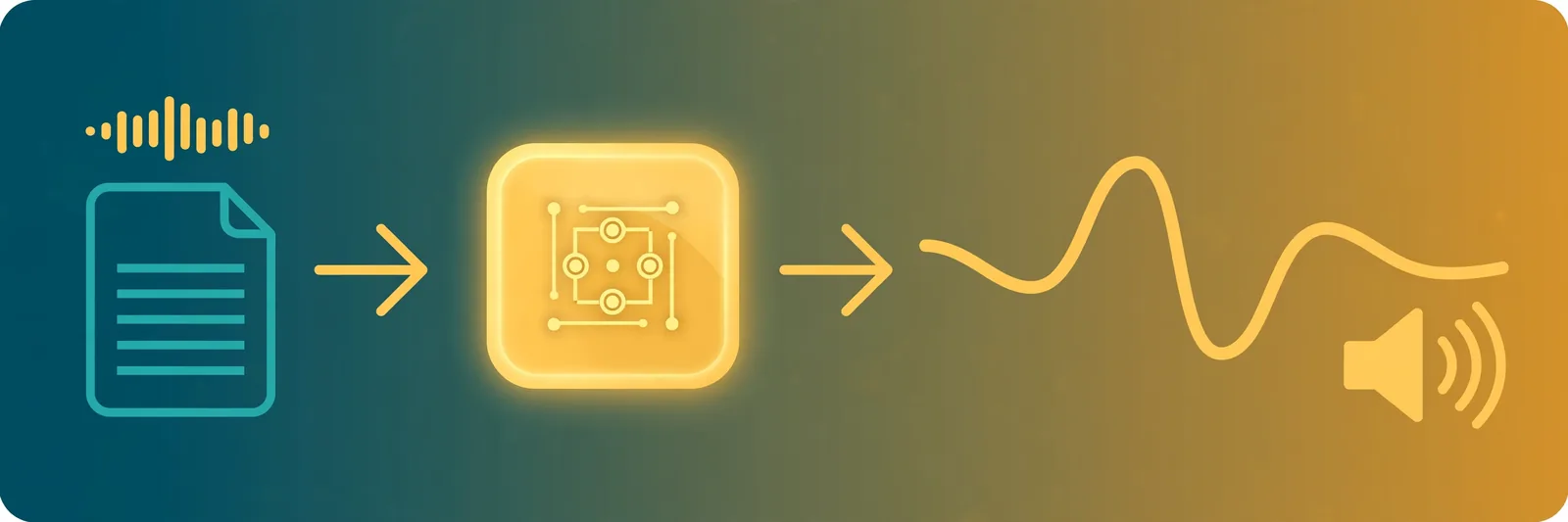
| Audio8-TTS-Realistic | Typical cloud voice cloning | |
|---|---|---|
| Price | Free model; you pay only for your own hardware and electricity | Free tier, then subscription or per-character billing |
| Your audio | Stays on your machine | Uploaded to the provider's servers |
| Setup | Python, GPU, some terminal comfort | Open a website, upload, click |
| Languages | 23 | Often 30+ on big platforms |
| Best for | Developers, researchers, privacy-sensitive projects | Creators who want a result in five minutes |
Neither column wins outright. The right question is which constraint matters more to you: zero setup, or zero subscription and full control. If you want the cloud side compared properly — free tiers, character limits, commercial rights — our roundup of free ElevenLabs alternatives does that in detail — and our ElevenLabs v4 guide covers what ElevenLabs' newest voices can do. For where ElevenLabs is heading next — live conversation instead of recorded narration — our ElevenLabs Realtime explainer walks through the new voice-agent models, Mini and Max, in plain English.
The consent part nobody should skip
Free and open does not mean free of rules. Cloning a real person's voice without their permission is a fast way into legal and ethical trouble, and several regions now regulate it directly. Our full guide to the legal side lives here: Is AI Voice Cloning Legal? The short version: clone your own voice, or a voice you have explicit permission to use, and keep a record of that permission. Everything else is a risk you should not take for a demo.
What this means for creators right now
If cloning itself is new to you, our AI voice cloning guide covers how the technology works end to end — and if you are picking software rather than studying the tech, our best voice cloning software comparison ranks ElevenLabs, Fish Audio, and the free local route side by side. For Audio8 specifically, three practical takeaways, in order of how soon they touch you:
- Voice cloning is becoming a commodity, not a service. When a capable open model fits on a single GPU, the subscription price for basic cloning has nowhere to go but down. Expect the paid tools to compete on voices, editing and convenience, not on the raw ability to clone.
- Privacy-sensitive work gets a real option. Medical narration, internal training audio, anything you would rather not upload — local models make that work possible without a vendor agreement.
- Your narration workflow does not change yet. For a video script, an audiobook chapter or a course lesson, typing text and downloading an MP3 is still faster than installing a model. Generate the voice from your script on TextToSpeechH, listen, fix the lines that sound off, regenerate. Audio8 matters most to the people building the next generation of tools, not to the person who needs a voiceover this afternoon.
How to try the idea free today
- Hear it first: try the free Hugging Face playground before installing anything — it runs on ZeroGPU and shows you what the model sounds like with no setup.
- If you have a GPU and some Python: install from the Edge0 repo, start with the example inference script, and test with your own voice and a short script.
- Working from a document? If the words you need spoken are sitting inside a PDF, get them read aloud first with one of the free PDF reader apps in our roundup — many people find that is all they actually needed.
- If you just need audio now: skip the install entirely. Write your script, generate it on TextToSpeechH, and download the MP3 free — no sign-up, no upload, no GPU required.
The bottom line: Audio8-TTS-Realistic does not replace the voice tools you already use. It changes what "free voice cloning" can mean: a capable model, on your own hardware, with no subscription and no upload. That is a big deal for developers and for anyone with privacy-sensitive audio — and a useful signpost for everyone else about where prices are heading. For the voiceover you need today, the fastest free path is still the browser: generate it on TextToSpeechH.
By Mauhnish — I build TextToSpeechH and write these guides from what actually works when you test it, not from feature lists. If a step above didn't work the way I described, the tool changed — tell me and I'll fix the guide.
Frequently Asked Questions
Is Audio8-TTS-Realistic really free?
Yes. The model weights and code are released under the Apache 2.0 license, which permits use, modification and commercial use within its terms. You still pay for your own hardware and electricity, and you need permission for any voice you clone — free software does not remove the consent requirement.
How much audio do I need to clone a voice with Audio8?
One short, clean reference clip plus its exact transcript is enough for zero-shot cloning — reports describe samples of just a few seconds. Clean matters more than long: background noise and overlapping speakers hurt the result far more than a shorter clip does, so record in a quiet room.
Can I run Audio8 on a normal laptop without a GPU?
Possibly, but not comfortably yet. Edge0 recommends a CUDA GPU, and no official ONNX export for this Realistic version is public, so CPU inference is not the supported path. Without a dedicated GPU, use the free Hugging Face playground or a browser tool instead of fighting an install.
How is Audio8 different from ElevenLabs voice cloning?
ElevenLabs is a polished cloud service: upload a sample, get a voice, pay per use, with a large voice library and editing tools. Audio8 is a raw open model: free and private, but you install, run and maintain it yourself. Pick ElevenLabs for convenience, Audio8 for control and zero subscription.
What languages does Audio8 support?
Twenty-three languages, including English, Arabic, Hindi, Indonesian, Malay, Norwegian, Portuguese, Russian, Swedish, Thai, Turkish and Vietnamese — twelve more than the earlier Preview model. Quality varies: English and Chinese score best in Edge0's own tests, while Thai is notably weaker, so test your language before committing.
Sources & References
- W3C Web Accessibility Initiative — "Audio Content & Video Content" text-to-speech guidance: www.w3.org/WAI/media/av/av-content/
- Wikipedia — Speech Synthesis & Speech Recognition: en.wikipedia.org/wiki/Speech_synthesis
- van den Oord et al. — WaveNet: A Generative Model for Raw Audio: arxiv.org/abs/1609.03499
- Shen et al. — Natural TTS Synthesis by Conditioning WaveNet on Mel Spectrogram Predictions (Tacotron 2): arxiv.org/abs/1712.05884
- Google — Neural Text-to-Speech & AI Overview documentation: cloud.google.com/text-to-speech