
A text reader is a free tool that turns written text into spoken audio — paste an article, essay, or document, pick a voice, and listen instead of reading. The best free ones need no sign-up, read in a natural voice, and let you download the audio as an MP3. Below are seven that actually work, ranked by what their free tier really gives you.
Quick Answer: Text Reader in One Box
A text reader reads any text aloud with an AI voice, free, right in your browser. TextToSpeechH reads up to 10,000 words per request in 24 voices and downloads the MP3 free with no sign-up. ReadLoudly and iReadAll are strong for documents and ebooks, Sandbook and ToolboxHere run entirely on your device, and Cartesia offers the most lifelike free voice — but its longer reads need a free account. Listening is mainstream now: the Audio Publishers Association's 2026 survey found 58% of American adults have listened to an audiobook, about 157 million people.
What is a text reader, and who actually uses one?
A text reader (also called a voice reader or read-aloud tool) does one simple job: it speaks your text. You paste words in, it reads them out in a human-sounding voice. Students listen to study notes while walking. People with dyslexia or tired eyes listen instead of straining through pages. Writers catch awkward sentences by hearing them read back — a trick editors have used for decades. Drivers and commuters turn long articles into something they can finish on the road.
Listening is no longer a niche habit. As Michele Cobb, executive director of the Audio Publishers Association, put it: "For the first time in 2023, our consumer survey showed that more than 50% of US adults have listened to an audiobook." The 2026 survey pushed that to 58%, with audiobook sales reaching $2.43 billion in 2025. A text reader is the free, do-it-yourself version of the same idea: any text, read aloud, on demand.
One honest caveat before the list: AI voices are good now, but not everyone wants them reading books. The same APA survey series found willingness to try AI-performed audiobooks slipped from 77% in 2023 to 70% in 2025. For short texts, notes, and proofreading, a free reader is brilliant. For a novel you love, a human narrator still wins.
How I picked these 7
Every tool below was judged on the same four questions: is the free tier genuinely usable (not a 30-second teaser)? Does it force a sign-up before you hear a word? Can you save the audio as an MP3? And how many languages and voices do you actually get? Prices and limits are the ones each tool publishes on its own site, checked November 2026.
1. TextToSpeechH — best free all-rounder
Paste up to 10,000 words — roughly an hour of audio — pick from 24 voices in 12 languages, and download the MP3 free. No account, no card, no watermark, and it works on commercial projects too. You can also upload a PDF, DOCX, or TXT file instead of pasting, and the text is pulled out automatically. The trade-off: it is a web tool, so you need internet, and it will not read a scanned PDF (photos of pages) without OCR first. For most people, this is the one to try first.
2. ReadLoudly — best for documents and files
ReadLoudly reads pasted text and uploaded files — TXT, PDF, DOCX, EPUB, and more — with the free voices your own device provides, plus 1,200+ premium AI voices across 40+ languages on paid plans. Reading is free with no account and no watermark. The catch is the free tier's limits: about 5,000 characters per session, and MP3 downloads need a paid plan (Core $5/month, Plus $10, Pro $19). Best if you read files, not just pasted paragraphs.
3. Sandbook Read Aloud — best fully private reader
Sandbook's reader runs the Kokoro open voice model entirely in your browser tab — your text never leaves your device. It offers 41 voices in six languages, reads up to 1,500 characters in one go (longer text paragraph by paragraph, up to 100,000 characters), and saves audio as a WAV file. Free, no sign-up, no limits on how often you use it. The price of privacy is a one-time download of the voice engine (about 326 MB in a WebGPU browser, 92 MB without it), and the AI voices read English best — other languages fall back to your device's built-in voice.
4. Cartesia — best-sounding free voice
Cartesia's voice reader uses Sonic, its own speech model, which the company says ranks #1 in Artificial Analysis's Speech Arena. It speaks 44 languages from one model, and the reader on the page is free to try with no sign-up. Longer passages move you into the Playground, where a free account includes 20,000 credits a month. Best if voice quality matters most and you are reading short passages. The free credit cap is the limit to watch.
5. iReadAll — best for ebooks and read-along
iReadAll opens text, article links, photos of pages, and PDF and DRM-free EPUB files in dedicated readers, with words highlighted as they are spoken. A one-time guest trial gives you 20,000 characters with no sign-up; a free account raises that to 200,000 Reader characters a month, with saved sources and reading progress. The catch: the guest allowance is shared across all its readers and does not reset, so use it on something you actually want to hear.
6. ToolboxHere Text to Speech — best no-limits free tool
ToolboxHere runs the open-source Kokoro-82M model on your device, so nothing you type is uploaded and there is no daily limit and no sign-up. Paste up to 20,000 characters at a time, listen while the audio is made, tap a sentence to jump to it, and save a 64 kbps MP3 or a WAV. Six voices (four American, two British). The honest limit: the AI voices read English only. For Arabic, Urdu, and other languages it falls back to your device's built-in voice, with no downloadable file.
7. Microsoft Edge Read Aloud — best built-in option
If you already use Edge, you already have a text reader: right-click any page and choose Read Aloud, or press Ctrl+Shift+U. It reads web pages in a natural voice, lets you change speed and voice, and costs nothing because it is part of the browser. No MP3 download, no file upload, and it only reads what is on the page — but for "read this article to me right now," it is the fastest option of all, and it needs no new tab, account, or install.
The 7 free text readers at a glance
| Tool | Free limit | MP3 download | Sign-up needed | Best for |
|---|---|---|---|---|
| TextToSpeechH | 10,000 words/request | Yes, free | No | All-round use + long texts |
| ReadLoudly | ~5,000 chars/session | Paid plans only | No | Documents and files |
| Sandbook | 100,000 chars, paragraph by paragraph | WAV only | No | Privacy, on-device |
| Cartesia | Free try; 20,000 credits/mo on free account | On paid plans | For longer reads | Best voice quality |
| iReadAll | 20,000 chars guest trial; 200K/mo free account | On paid plans | For more than trial | Ebooks + read-along |
| ToolboxHere | 20,000 chars, no daily limit | Yes, free | No | Unlimited English reads |
| Edge Read Aloud | Unlimited on web pages | No | No | Instant page reading |
How to pick the right one
Match the tool to the job, not the other way round. Reading a long article or script and want the audio file? TextToSpeechH or ToolboxHere — both give you a free MP3. Working through PDFs or an ebook? ReadLoudly or iReadAll handle files properly. Reading something private — medical notes, a contract, your own journal? Sandbook or ToolboxHere keep the text on your device. Chasing the most natural voice for a short passage? Cartesia. Just want this page read to you right now? Edge Read Aloud, two clicks, done.
How to use a text reader in 3 steps
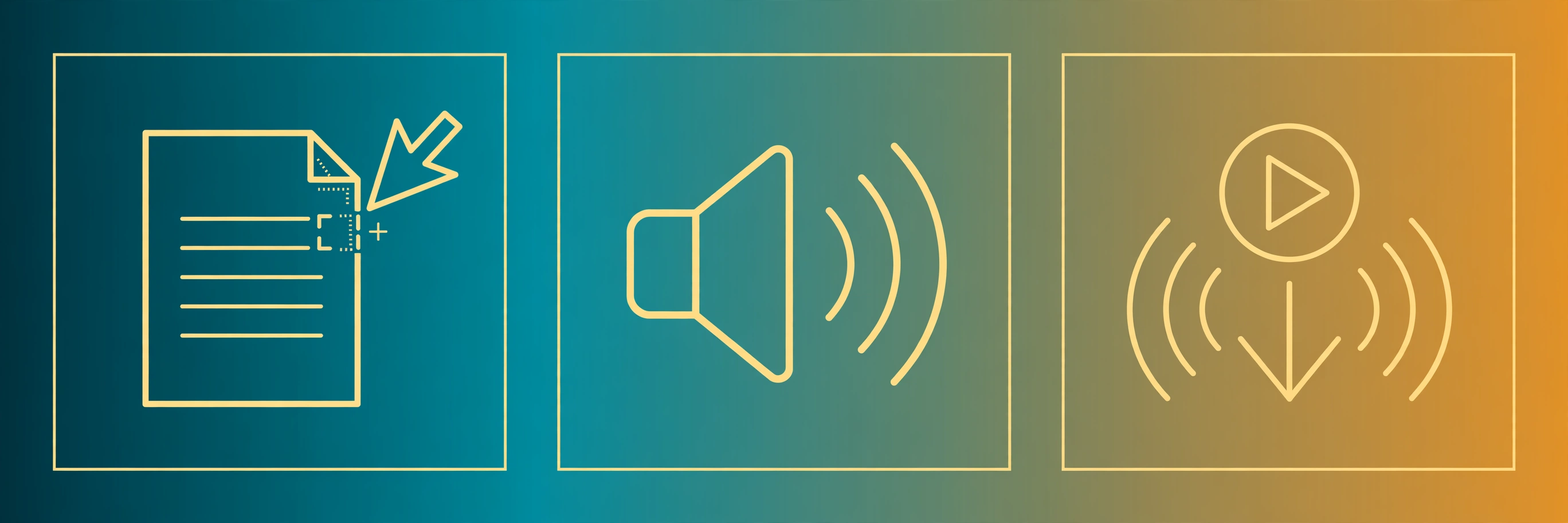
First, copy the text you want to hear — an article, an essay, a chapter, or your own draft. Second, paste it into the reader, pick a voice you like, and set the speed (start at 1x; most people settle around 1.1–1.25x once they are used to it). Third, press play and listen, or download the MP3 if the tool offers it, so you can listen later offline. If you are proofreading your own writing, listen once without looking at the screen — the sentences that sound wrong are usually the ones that need rewriting.
Text reader vs. text-to-speech: is there a difference?
Almost none in practice. "Text reader" is the name people search for when they want to listen to text; "text-to-speech" is the technology behind it. A text reader is a text-to-speech tool with a reader's workflow: paste, play, follow along. The one real difference is intent — readers are built for listening to documents, while some text-to-speech tools are built for creating voiceovers. For listening, either label works.
Want to hear it right now? Paste any text into TextToSpeechH and listen in a natural voice — free, no sign-up, MP3 included. If you mostly read files, our PDF reader out loud guide covers the best free apps for that, and the text-to-speech MP3 guide walks through saving audio step by step.
By Mauhnish — I build TextToSpeechH and write these guides from what actually works when you test it, not from feature lists. If a step above didn't work the way I described, the tool changed — tell me and I'll fix the guide.
Frequently Asked Questions
Is there a completely free text reader with no sign-up?
Yes. TextToSpeechH, Sandbook Read Aloud, and ToolboxHere all read text aloud free with no account and no sign-up. TextToSpeechH also gives you a free MP3 download and handles up to 10,000 words per request. ReadLoudly is free to read with, too, but saving an MP3 needs a paid plan.
Can a text reader download the audio as an MP3?
Some can, some cannot. TextToSpeechH and ToolboxHere let you download an MP3 free with no account. ReadLoudly, Cartesia, and iReadAll reserve MP3 downloads for paid plans. Edge Read Aloud and Sandbook do not offer MP3 downloads at all — Sandbook saves WAV files instead, which most players can still open.
What is the best free text reader for long documents?
For a long document, use a tool built for files. ReadLoudly opens TXT, PDF, DOCX, and EPUB files up to 10 MB and reads them aloud, while iReadAll has dedicated PDF and EPUB readers with synchronized highlighting. If you paste long text instead, TextToSpeechH takes up to 10,000 words per request, far more than most free readers allow.
Do text readers work on my phone?
Yes. Every tool here runs in a mobile browser — nothing to install. On iPhone, you can also use the built-in Speak Screen (Settings > Accessibility > Spoken Content), and Android has Select to Speak in the same place. Phone readers are handy for articles, but a browser tool gives you better voices and the MP3 download.
Can a text reader help with dyslexia?
Yes. Listening while following highlighted text helps many people with dyslexia get through reading that would otherwise be exhausting. iReadAll and Edge both highlight words as they are read, which makes it easier to keep your place. A text reader is a support tool, not a treatment, but for daily reading it makes a real difference.
Sources & References
- W3C Web Accessibility Initiative — "Audio Content & Video Content" text-to-speech guidance: www.w3.org/WAI/media/av/av-content/
- Wikipedia — Speech Synthesis & Speech Recognition: en.wikipedia.org/wiki/Speech_synthesis
- van den Oord et al. — WaveNet: A Generative Model for Raw Audio: arxiv.org/abs/1609.03499
- Shen et al. — Natural TTS Synthesis by Conditioning WaveNet on Mel Spectrogram Predictions (Tacotron 2): arxiv.org/abs/1712.05884
- Google — Neural Text-to-Speech & AI Overview documentation: cloud.google.com/text-to-speech