
Phonon TTS is a free, open-weight text-to-speech model from Gradium that runs entirely on your device — no server, no internet, no per-character bill. The 31-million-parameter English model fits in a 64.5 MB file, speaks with 37 built-in voices, and is released under Apache 2.0, so you can use it in commercial products too.
Quick Answer: Phonon TTS in One Box
Phonon is a tiny on-device TTS model that turns text into speech on your phone, laptop, or even a Raspberry Pi, with nothing sent to a server. The English model is free for commercial use under Apache 2.0, ranks first for German and Spanish intelligibility on Hugging Face's Open TTS Leaderboard, and was downloaded more than 200,000 times in its first two weeks. If you want private, offline speech, it is the most interesting free model released this year — but it is a developer tool first, not a one-click reader.

What is Phonon TTS?
Phonon is a family of small text-to-speech models built by Gradium, a Paris voice AI company. It was released on October 20, 2026, and Hugging Face published a closer look at it on November 5, 2026. The idea is simple: instead of sending your text to a cloud service and paying per character, the whole voice model lives on your device and does the work there.
The model is small on purpose. Phonon 31m has 31 million parameters and ships as a 64.5 MB file — smaller than a single phone photo album. It speaks English only. Its bigger sibling, Phonon 40m, covers English, French, German, Spanish, and Portuguese in about 75 MB, with more than 100 built-in voices across the family. Phonon runs on phones, laptops, single-board computers, and right in a browser tab, and it needs no GPU.
As Gradium puts it in its own launch post: "It needs no server and no network, and what you type stays with you." That sentence is the whole pitch.
Why on-device speech matters
Cloud TTS is convenient, but it has three costs people forget about. First, privacy: your text — scripts, documents, private notes — travels to someone else's server. Second, connection: no internet means no voice, which kills it on planes, in rural areas, or in secure offices. Third, the meter: most cloud voices charge per character, so a long audiobook quietly adds up.
On-device speech flips all three. Your text never leaves your machine, it works offline after a one-time download, and there is no bill because there is no server to pay for. The trade-off used to be quality — small local models sounded robotic. Phonon is the first tiny model that closes that gap convincingly, at least on the numbers Gradium reports.
The two Phonon models at a glance
| Model | Size | Languages | Voices | License |
|---|---|---|---|---|
| Phonon 31m | 31M params, 64.5 MB | English | 37 | Apache 2.0 — free, even commercial |
| Phonon 40m | 40M params, 74.6 MB | English, French, German, Spanish, Portuguese | 100+ | CC BY-NC 4.0 — non-commercial only |
The license split is the detail that matters most. Only the 31m English model is Apache 2.0, which means you can ship it in a commercial product without paying Gradium. The 40m models are free for personal and research projects, but commercial use needs a separate license from Gradium. If you are building something to sell, start with the 31m model and treat the multilingual models as a separate decision.
How good does it actually sound?
Gradium's own numbers are strong, and worth quoting with the caveat that they come from the company, not an independent lab. On Hugging Face's Open TTS Leaderboard, Phonon ranks first for intelligibility in German and Spanish, and in the top three in every language it was tested in — next to models up to 100 times its size. On a hard test set full of phone numbers, email addresses, and postal codes, Phonon 31m scored a 1.7% word error rate, against 3.5% for Kokoro and 8.71% for NeuTTS Nano, in Gradium's evaluation.
Speed is the other surprise. On a MacBook Air M5 CPU, Phonon 31m reaches first audio in about 6.9 milliseconds, and Arm's own measurements, reported by AlphaSignal, put first audio at 28 ms with generation at 15 times real-time speed on Arm CPUs. In plain terms: you press play and the voice starts almost instantly, on a normal laptop, with no graphics card involved.
The honest caveat: leaderboard intelligibility is not the same as a voice you love listening to for an hour. Phonon voices are clear and natural for their size, but if you want the most expressive narration for an audiobook, a big cloud voice like ElevenLabs v4 still has more emotional range. Phonon wins on privacy, price, and speed — not on drama.
How to try Phonon free
You have three easy routes, depending on how technical you are.
In your browser (easiest): Gradium's browser demo runs Phonon inside your tab — no install, no account. Your text is synthesized locally after the model files load, so try it once and you have heard the real thing.
In LM Studio or Ollama: if you already use local AI apps, Phonon loads like any other open model. LM Studio's Bionic Read Aloud system supports it, and Ollama lists it too. This is the best route if you want Phonon reading documents on your own machine every day.
In Python: developers can install it with pip install ptts, or load it through Hugging Face Transformers from version 5.21 onward. The runtime covers Rust, Python, Swift, C, and C++, so it fits into apps, not just demos.
One limitation to know before you start: Phonon cannot clone a voice from your own recording in the open model itself — voices come as precomputed files. You can create custom voices in Gradium Studio, with the speaker's consent, but that is a separate step from the free download.
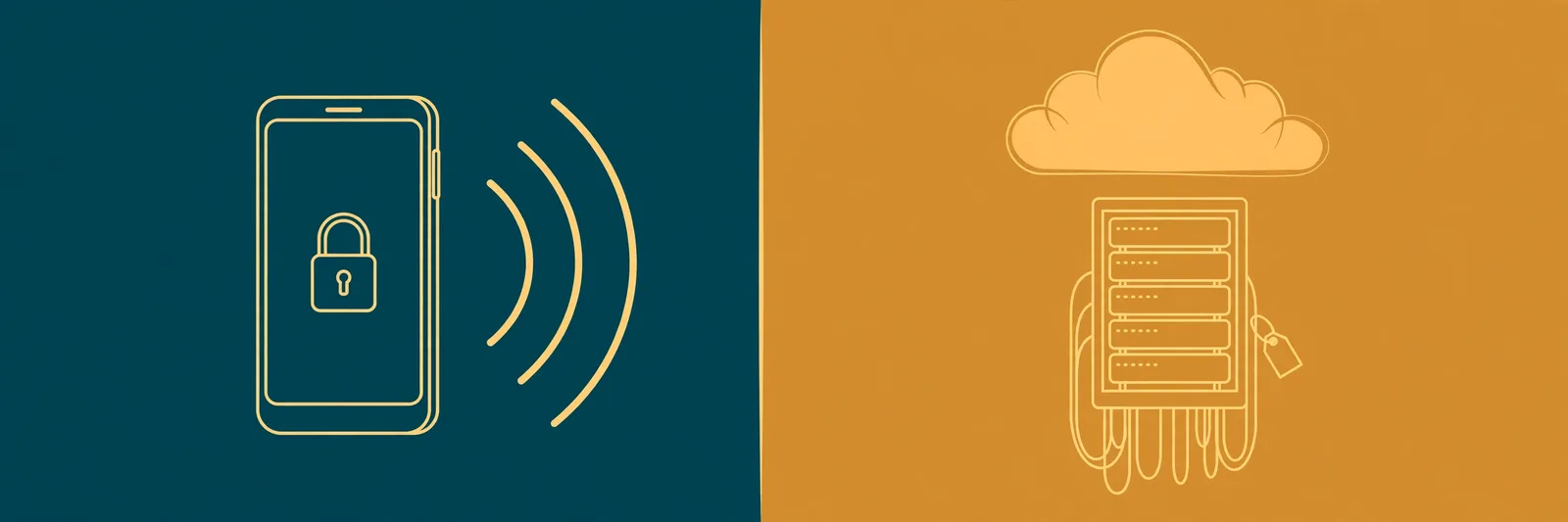
Phonon vs cloud text to speech
| Phonon (on-device) | Cloud TTS (ElevenLabs, Google, etc.) | |
|---|---|---|
| Internet needed | No, after download | Yes, always |
| Your text leaves your device | No | Yes |
| Cost | Free (31m, Apache 2.0) | Per character or monthly plan |
| Voice quality | Clear, natural for its size | Best-in-class expression and emotion |
| Languages | 5 (English free for commercial use) | 30+ |
| Setup effort | Download a model, pick a tool | Sign up and paste text |
The right pick depends on the job. Reading private documents, building an offline app, or narrating on a plane? Phonon. A polished audiobook voiceover or a character voice with real emotion? A cloud voice still wins.
Who should use Phonon — and who should not
Use it if you care about privacy, work offline, or build apps and want a voice that costs nothing per word. Students reading study notes, developers adding speech to an app, and anyone who reads sensitive documents will get the most from it.
Skip it for now if you just want to paste text and hear a beautiful voice in ten seconds, with no setup at all. That is exactly what a browser tool is for — and it is free too. Phonon is a model, not a product: it needs a tool wrapped around it before a non-developer will love it.
Want speech right now, with zero setup? Paste any text into TextToSpeechH and hear it in a natural voice — free, no sign-up, and the MP3 is yours to keep. If you want the offline, private route instead, our offline text-to-speech guide covers the best free tools that work with no connection at all.
Related Guides
By Mauhnish — I build TextToSpeechH and write these guides from what actually works when you test it, not from feature lists. If a step above didn't work the way I described, the tool changed — tell me and I'll fix the guide.
Frequently Asked Questions
Is Phonon TTS really free?
Yes, with one important split. Phonon 31m, the English model, is released under Apache 2.0, so it is free for personal and commercial use. Phonon 40m, which covers five languages, is under a CC BY-NC 4.0 license, so it is free only for non-commercial projects and needs a separate license from Gradium for commercial use.
Does Phonon work offline?
Yes. After a one-time download of the model files (about 65 MB for the English model), Phonon runs entirely on your device with no internet connection. Your text is never sent to a server, which is the whole point of an on-device model. The browser demo needs internet once to load the model, then synthesizes locally.
How good is Phonon compared to ElevenLabs?
Phonon holds its own on intelligibility benchmarks — it ranks first in German and Spanish on Hugging Face's Open TTS Leaderboard and scored a 1.7% word error rate on a hard test set, against 3.5% for Kokoro. But ElevenLabs v4 still sounds more expressive and emotional. Phonon wins on privacy, offline use, and cost; cloud voices win on dramatic delivery.
What devices can run Phonon?
Phones, laptops, single-board computers like the Raspberry Pi 5, and browser tabs through WebAssembly or WebGPU. It needs no GPU and starts speaking in about 7 milliseconds on a MacBook Air M5 CPU, according to Gradium. If your device can run a modern browser, it can almost certainly run Phonon.
Can Phonon clone my voice?
Not from the free open model on its own. Phonon ships with precomputed built-in voices and cannot clone a voice from your recording directly. Gradium Studio lets you create a custom voice from a short recording with the speaker's consent, or describe a new voice in plain text, but that is a separate service from the open-weight download.
Sources & References
- W3C Web Accessibility Initiative — "Audio Content & Video Content" text-to-speech guidance: www.w3.org/WAI/media/av/av-content/
- Wikipedia — Speech Synthesis & Speech Recognition: en.wikipedia.org/wiki/Speech_synthesis
- van den Oord et al. — WaveNet: A Generative Model for Raw Audio: arxiv.org/abs/1609.03499
- Shen et al. — Natural TTS Synthesis by Conditioning WaveNet on Mel Spectrogram Predictions (Tacotron 2): arxiv.org/abs/1712.05884
- Google — Neural Text-to-Speech & AI Overview documentation: cloud.google.com/text-to-speech