
Narakeet turns a written script, a set of subtitles, or a PowerPoint deck into a narrated video, using AI voices instead of a recorded voiceover. We tested it on November 8, 2026, with no account and no payment, and the short version is this: the free test is genuinely free and watermark-free, the English narration is clean, Hindi works properly when you type it in Devanagari script, and the free tier is for trying things out only, because commercial use needs a paid account.
Quick Answer: Narakeet in One Box
Narakeet is a UK tool that converts scripts, subtitle files, and slide decks into narrated MP4 videos and MP3 or WAV audio. You get 20 free conversions with no registration and no watermark on the audio. The catch is the licence: free output is personal and evaluation use only, and paid credits start at $6 for 30 minutes.
What Narakeet actually is
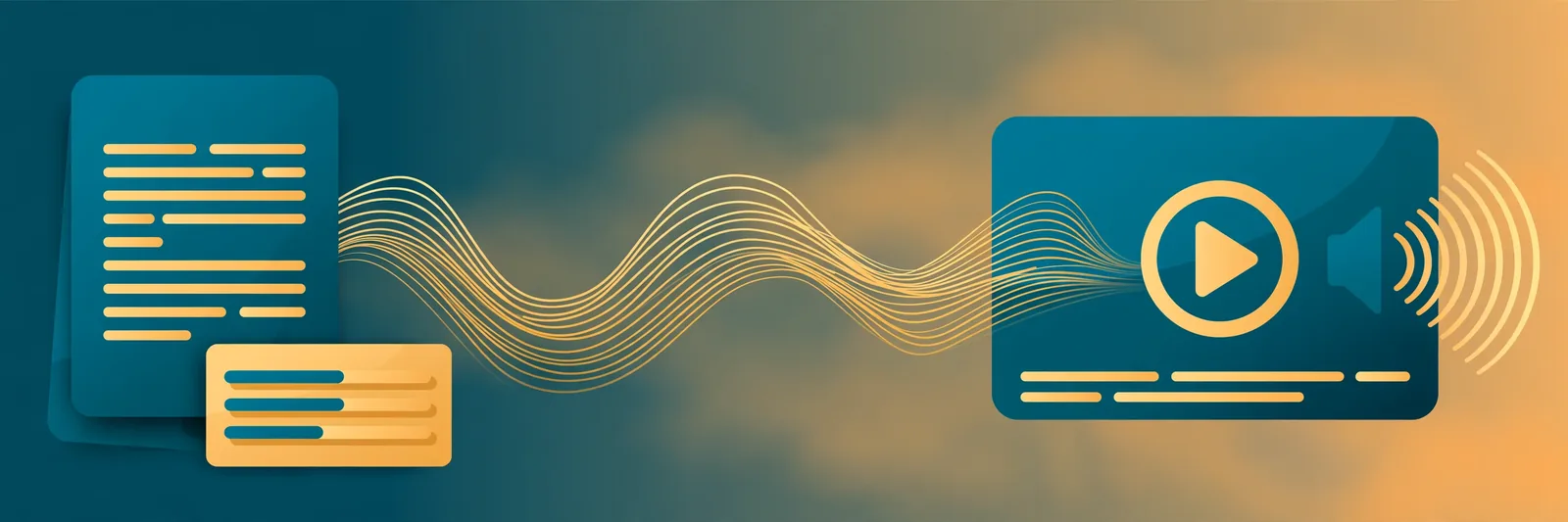
Narakeet is built by Video Puppet Limited, a company based in Woking in the UK. It is not a plain text-to-speech box, and that distinction matters before you compare it with anything else. The core job it sells is turning material you already have (a script, an SRT or VTT subtitle file, a Word or ePub document, or a PowerPoint, Google Slides, or Keynote deck with the narration typed into the presenter notes) into a finished narrated video. Plain audio is there too, as MP3 or WAV downloads, but video is the headline act. It also generates subtitle files from your script and can burn captions into the video, and it can switch narrators mid-document, which helps with lessons and dialogues.
The voice library is the other headline. Narakeet's marketing pages say "900 voices in 100 languages," but its own official voices index currently lists 946 voices across 112 languages and regional accents. The real library is bigger than the headline claim, which is unusual. Marketing usually rounds up, not down.
How we tested it
We ran three tests on the free tier on November 8, 2026, without registering an account. Narakeet lets you use its text-to-speech generator 20 times without signing up, and it states on its own site that there is no watermark burned into the free audio. So we pasted a script, picked a voice, created the audio, and downloaded the MP3, exactly the way a first-time visitor would. Then we did it twice more with Hindi, once typed the way many people in India actually type it, in Roman letters, and once in proper Devanagari script. What follows is what we heard, including the parts that did not work.
Test 1: English narration came out clean
For the first test we used a short bakery narration and an American English voice called Raymond. The result was a short MP3 that matched the script exactly, word for word. There was no watermark, no spoken announcement, and no branding added anywhere in the file. That matters because a lot of "free" voice tools stamp their name on the output or cut you off mid-test. Narakeet did neither. If your only question is whether the free test is real, it is.
Tests 2 and 3: Hindi depends on the script you type
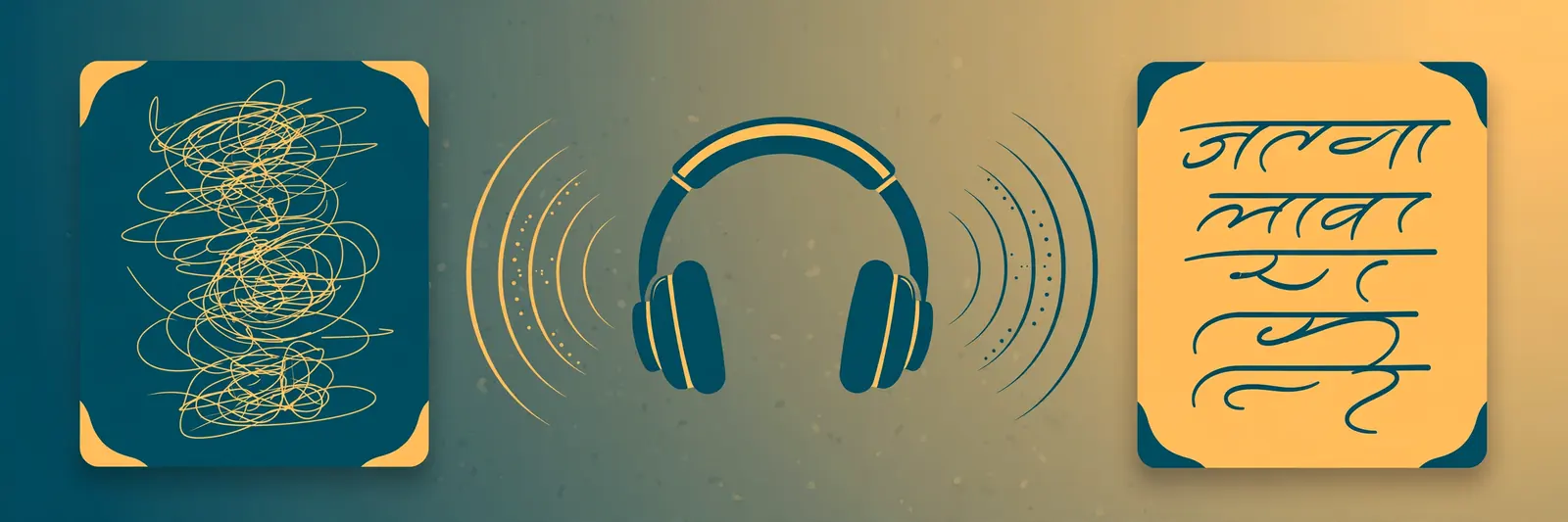
The second test used a Hindi voice called Amitabh with a mixed line: an English opening, a Hindi middle typed in Roman letters, and an English close. The English parts came through fine, and the Hindi in the middle did not. It came out garbled enough that the key phrase was hard to make out. If you are someone who types Hindi in Roman letters all day (and plenty of people do), that matters, and you should know about it before you plan a project around it. Narakeet's founder told us after publication that this is a deliberate product limit, not a bug: Romanized Hindi transliteration is not supported, and Hindi text needs to be in Devanagari script. There is a proper workaround for mixed text, though. Narakeet's polyglot voices speak multiple languages, so a script that moves between English and Hindi belongs in one of those voices. The founder also points out that polyglot voices keep the output consistent across Hindi and other Indian languages, so the voice sounds the same throughout.
So we ran the same voice again with the Hindi written in full Devanagari script. This time the Hindi came through properly: the greeting was clear, and the key phrase (ताज़ा अनाज से आटा कैसे बनता है) was recognizably rendered as Hindi. The lesson is practical, not technical. Narakeet's Hindi voices want real Hindi script. Feed them Roman-letter Hindi and the result falls apart; feed them Devanagari and they do their job.
Hear the tests yourself: the English narration (Raymond), the Hindi test typed in Roman letters (Amitabh), and the same voice reading Hindi in Devanagari (Amitabh) — all three made on Narakeet's free tier, exactly as described above.
One more count worth checking before you trust any voice tool: Hindi voices. Narakeet's official index lists 20 Hindi voices by name, including Amitabh, Kareena, and Aditi. But its Hindi marketing page claims 128 Hindi voices, and at first we could not reconcile the two numbers. After we published, Narakeet's founder, Gojko Adzic, wrote to us and explained the count: the 128 is made up of those 20 Hindi-only voices plus more than 100 polyglot voices that also speak Hindi alongside other languages. So both numbers are real; they are just counting different things. The marketing page itself never spells this out, which is why the two figures looked contradictory when we first compared them.
What the free tier really gives you
Here is the free tier, as listed in Narakeet's own pricing comparison table: 20 conversions, audio scripts up to 1 KB, video scripts up to 10 KB, up to 30 scenes per video, and uploads up to 10 MB. There is no API access, no SSML, and no batch creation on the free tier. One honest footnote from their own site: the video-maker how-to page says you can create 10 videos free, while the rest of the site talks about 20 free conversions. Small inconsistency, but you will hit one limit or the other pretty quickly either way.
The bigger limit is not size, it is rights. Narakeet's usage-rights page is plain about it: content made on a free account can only be used for personal and evaluation purposes. Commercial use is not allowed on free output. So the free tier is a proper test drive, not a production tool. Test your script, your voice, and your workflow on it freely, but do not publish the result in a monetized video or a client project.
What it costs when you pay
Narakeet does not run on subscriptions. You buy one-time prepaid credits, and the credits never expire. The entry package is $6 for 30 minutes of output, which works out to $0.20 per minute, and billing runs in one-second increments of finished audio or video. We did not verify the full ladder of larger packs, so we are not listing prices we have not seen on their official pages. Unused credits can be refunded within 14 days, according to the same pricing page.
Any paid purchase turns the account into a commercial account, and that is where the rights change: Narakeet's usage-rights page says commercial use is allowed for anything you create on a commercial account, with no ongoing royalties and no usage restrictions. That is a clean deal, and it is the real product. The free tier exists so you can check the voices before you pay the six dollars.
Where Narakeet fits, and where we fit
People will ask how this compares to our own tool, so here is the honest version. Narakeet and TextToSpeechH do different jobs. Narakeet takes a script or a slide deck and produces a narrated video, with scenes, captions, and the option to switch voices mid-document. TextToSpeechH is a free text-to-speech tool that runs instantly in your browser: paste text, hear it read aloud, download the audio. If you need a voiceover for a presentation or a training video and you do not want to record your own voice, Narakeet is built for that job. If you just need text read aloud right now, a video production tool is more machinery than the job needs. Neither of those sentences is a criticism of either tool.
Two gaps are worth knowing before you commit. The developer route is paywalled: the API exists, but only for commercial accounts, so there is no free way to automate Narakeet into your own pipeline. And once you make a video, download it promptly: Narakeet's own how-to page warns that download links for finished videos expire after 24 hours.
The bottom line
Narakeet passed the test that matters most: its free tier is a real test, not a trap. Twenty watermark-free conversions with no sign-up is generous, the English narration was clean, and Hindi worked properly once we typed it in Devanagari. The honest caveats are just as clear: Roman-script Hindi is not supported (a deliberate limit, as the founder confirmed to us), the free licence is personal use only, and the 128 Hindi voices on their marketing page means 20 Hindi-only voices plus 100+ polyglot voices that also speak Hindi. If you make lessons, explainers, or slide videos and hate recording your own voice, Narakeet is worth the free test, and the $6 entry pack is a fair price for proper commercial rights. If you only need words read aloud, keep it simple and use a plain text-to-speech tool.
Disclosed plainly: we run TextToSpeechH, a free text-to-speech tool. We tested Narakeet's free tier on November 8, 2026; Narakeet did not pay for, sponsor, or review this article before publication.
Related Guides
By Mauhnish — I build TextToSpeechH and write these guides from what actually works when you test it, not from feature lists. If a step above didn't work the way I described, the tool changed — tell me and I'll fix the guide.
Frequently Asked Questions
Is Narakeet really free to test?
Yes. Narakeet's own site says you can use its text-to-speech generator free 20 times without registering, and the free audio carries no watermark. We tested it exactly that way, with no account and no card. The limit is generous for evaluation, but the free licence covers personal use only.
Can I use Narakeet's free output in a monetized video?
No. Narakeet's usage-rights page states that content created on a free account is for personal and evaluation purposes only, and commercial use is not allowed. Any paid credit purchase upgrades your account to commercial use, with full rights and no royalties. The entry pack costs $6 for 30 minutes.
Does Narakeet work for Hindi voiceovers?
Yes, with one practical condition we found by testing. Its official index lists 20 Hindi voices, and a Hindi voice read our Devanagari-script test properly and clearly. The same voice garbled Hindi typed in Roman letters, though. Type your Hindi in Devanagari script and the voices do their job well.
How is Narakeet different from a plain text-to-speech tool?
Narakeet's main job is turning scripts, subtitle files, and slide decks into narrated videos, with captions and voice switching inside one document. A plain text-to-speech tool, including ours, simply reads pasted text aloud instantly in the browser. Pick Narakeet for finished video voiceovers; pick plain text-to-speech for quick listening.
Sources & References
- W3C Web Accessibility Initiative — "Audio Content & Video Content" text-to-speech guidance: www.w3.org/WAI/media/av/av-content/
- Wikipedia — Speech Synthesis & Speech Recognition: en.wikipedia.org/wiki/Speech_synthesis
- van den Oord et al. — WaveNet: A Generative Model for Raw Audio: arxiv.org/abs/1609.03499
- Shen et al. — Natural TTS Synthesis by Conditioning WaveNet on Mel Spectrogram Predictions (Tacotron 2): arxiv.org/abs/1712.05884
- Google — Neural Text-to-Speech & AI Overview documentation: cloud.google.com/text-to-speech