
Google just put text-to-speech on your phone — no internet, no server, no per-character bill. On November 10, 2026, Google added on-device speech recognition and text-to-speech to AI Edge Gallery, its free app for running AI models locally. The voice starts speaking in about 100 milliseconds, and once the model is downloaded, it works on a plane, in a dead zone, or anywhere your connection drops.
Quick Answer: Google Offline Text to Speech in One Box
Google AI Edge Gallery now runs text-to-speech entirely on your device. On Android, ML Kit's new TTS starts speaking in about 100 ms, produces 24 kHz audio at up to 50x real-time speed, and offers 8 expressive voices across 21 locales — with nothing added to an app's download size, according to Google. For other platforms, Google packaged four open models — Parakeet-TDT, PocketTTS, Kokoro-82M, and Phonon 31M — that run in a browser or on desktop. It is a developer showcase for now, not a one-tap reader, but it shows where free voices are heading: onto your device.
What Google actually announced

AI Edge Gallery is Google's experimental app for running AI models on your phone instead of in the cloud. Until now it was mostly about chat: download a small language model like Gemini Nano or Gemma 4 and talk to it offline. The November 10 update adds a voice to that picture, in both directions — speech recognition that transcribes what you say, and text-to-speech that reads replies back out loud.
As Google puts it in its own announcement: "Voice is often the most natural way to interact with AI on phones and wearables." The point of the release is that the whole conversation — hear you, think, answer out loud — can now happen on the device, with nothing sent to a server.
Two showcase features show what that looks like in practice. The XR Language Teacher points your camera at something, listens to your question, and answers as a spoken bilingual lesson, all offline. And the Gallery's main AI Chat now has dictation and read-aloud playback built in, so you can talk to an on-device model hands-free.
The Android path: ML Kit, and why it matters
For Android, Google built the speech features into ML Kit, its GenAI Speech Recognition and Text-to-Speech APIs. The models are managed through AICore at the operating-system level, which is why Google says they add 0 MB to an app's download — the voice lives in the OS, not in each app that uses it.
The numbers Google quotes are striking, and worth repeating with the caveat that they are Google's own figures, not independent tests. Speech recognition covers more than 100 languages at 10x real-time speed, with an 8.0% to 9.0% word error rate on the FLEURS benchmark. The text-to-speech side begins speaking in about 100 milliseconds, synthesizes 24 kHz audio at up to 50x real-time speed, and turns a 27-second paragraph into audio in roughly 500 milliseconds. Google also says the new model cuts active device power by more than 50% compared with traditional autoregressive TTS — which matters, because a voice that drains your battery is a voice you stop using.
The honest limit: eight voices across 21 locales is a small cast next to the hundreds of voices cloud services offer, and this is a developer API first. You will not find a "Google offline reader" button on your phone tomorrow. What you will find, over the coming months, is Android apps that read aloud without asking for internet permission — because the voice is already on the phone.
The cross-platform path: four open models in one bundle
For everything that is not Android, Google took a different route: it optimized four open-weight speech models into single-file .litertlm bundles that run through MediaPipe Tasks and LiteRT on iOS, macOS, Windows, Linux, and the web.
| Model | Job | Size | Note |
|---|---|---|---|
| Parakeet-TDT 0.6B | Speech recognition | 600M params | Multilingual transcription |
| PocketTTS 100M | Text to speech | 100M params | Multilingual voices |
| Kokoro-82M | Text to speech | 82M params | Multilingual, already popular in browsers |
| Phonon 31M | Text to speech | 31M params | English-focused, Apache 2.0 |
The names will ring a bell if you follow this space: Kokoro-82M already powers several free in-browser readers, and Phonon 31M is the tiny model we covered last week that passed 200,000 downloads in its first two weeks. Google putting them in its official gallery is a stamp of approval — these are now the reference models for on-device speech, not just hobbyist experiments.
The bigger wave: tiny voices are having a week
Google's announcement did not land in a vacuum. The same week, two more small speech models made news, and together they tell you where this is going.
On November 9, Zyphra open-sourced ZONOS3-Mini, a text-to-speech model with 800 million total parameters of which only 100 million run per request, under the Apache 2.0 license — free even for commercial use. Zyphra says the first chunk of audio arrives in under 570 milliseconds in a phone browser, and under 150 milliseconds on a MacBook Air. It also ships with zero-shot voice cloning, which is powerful and worth handling carefully: cloning a real person's voice needs their consent.
A few days earlier, startup Underdog released Woof, a 32 MB text-to-speech model that runs entirely in a web browser — two voices, no server, no internet after the page loads. It is English-only and non-commercial licensed, so it is a demo of what is possible rather than a tool you build a business on.
The pattern is hard to miss: in one week, Google, Zyphra, and a small startup all shipped voices that live on your device. Cloud voices are not going away — they are still the most natural-sounding — but the free, private, offline tier just got dramatically better, and it is getting better in public, in the open, where anyone can try it.
What this means for you, the listener
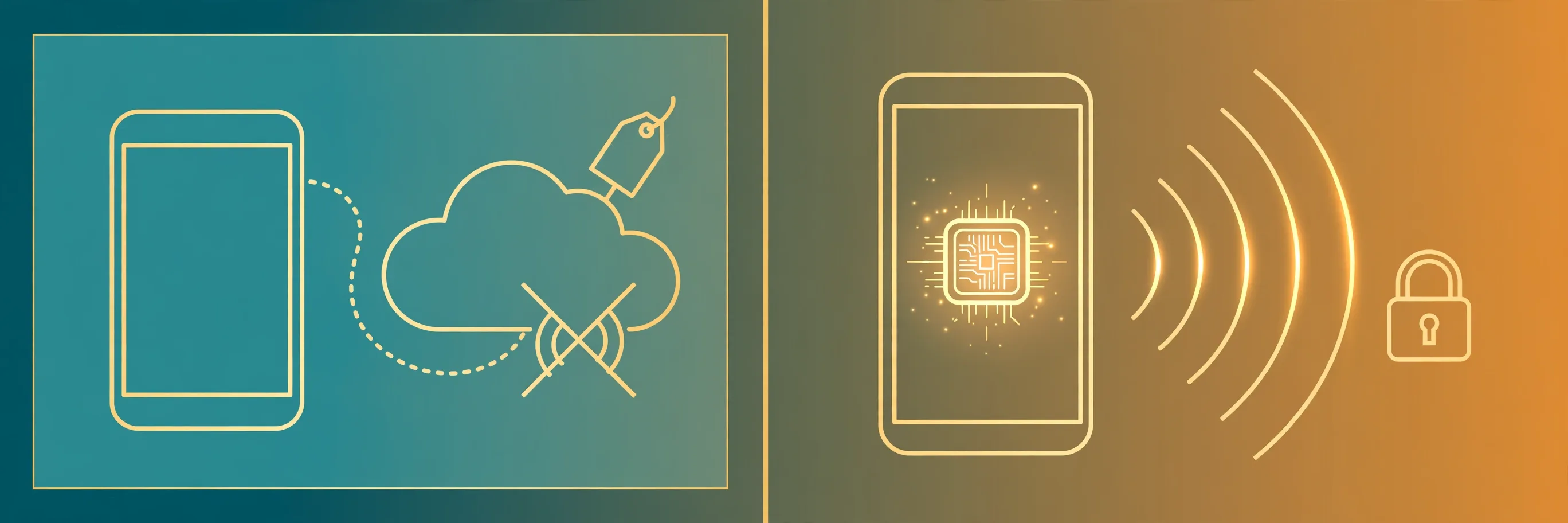
If you read articles, study notes, or ebooks by listening, here is the practical translation:
- Planes, metros, and dead zones stop mattering. Once the voice model is on your device, your reading app does not care whether you have signal. Download the voice once, listen anywhere.
- Your text stays yours. Scripts, medical notes, client documents — with on-device voices, none of it travels to a server. For private material, that is the real feature, not the speed.
- Free stops meaning "a 30-second demo." Open models under Apache 2.0 can be shipped in free products with no per-character meter running. Expect more genuinely free readers, not more free trials.
- Your phone will get better at this on its own. Because ML Kit's voices live in the OS, Android apps you already use can add offline read-aloud without bloating their downloads. The upgrade arrives quietly, inside apps you know.
One honest caveat: the voices are good, but eight voices is eight voices. If you want a specific narrator-style voice, a celebrity clone, or 40 languages with perfect accents, cloud services still win — and they charge for it. On-device is the free, private default; the cloud is the premium upgrade. That split is probably the future.
How to try offline text to speech today
You do not need to wait for apps to catch up. Here is what works right now, from easiest to most hands-on:
- Use a free browser reader today. TextToSpeechH turns up to 10,000 words into natural speech in 24 voices and downloads the MP3 free, no sign-up. It runs in the cloud, so you need internet — but it is the fastest way to hear a document read aloud right now, and it costs nothing.
- Try your phone's built-in voices. Android's Select to Speak reads anything on screen, and it already uses the on-device Google voices. Turn it on under Settings, Accessibility, then tap any text. It is free, already installed, and works offline for the built-in voices.
- Try a fully on-device browser reader. Tools built on Kokoro-82M run the voice inside your browser tab — your text never leaves the device. The trade-off is a one-time model download and English-first voices.
- If you are technical, try AI Edge Gallery itself. It is free and open source on GitHub, and the November update includes the speech features. It is a showcase, not a polished product — expect rough edges, and a download before anything works offline.
- Watch for Phonon inside apps. Phonon 31M is now in Google's official bundle, so reader apps built on it should start appearing. Our full explainer on Phonon covers what it can and cannot do yet.
The bottom line
Google just made offline text-to-speech official. The voices are small enough to live on your phone, fast enough to start in a tenth of a second, and — for the open models — free enough to ship anywhere. The announcement is aimed at developers, but the direction is unmistakable: the next free reader you use may not need the internet at all. Until the apps arrive, the free browser tools and your phone's built-in voices already cover most of the job — and they cost nothing to try.
Try it now: paste any text into our free text-to-speech tool and hear it in 24 voices, or read our Phonon TTS explainer to see how the tiny model inside Google's bundle actually sounds.
By Mauhnish — I build TextToSpeechH and write these guides from what actually works when you test it, not from feature lists. If a step above didn't work the way I described, the tool changed — tell me and I'll fix the guide.
Frequently Asked Questions
Is Google AI Edge Gallery's text-to-speech free to use?
Yes. AI Edge Gallery is a free, open-source app from Google, and its bundled speech models — including Phonon 31M under Apache 2.0 — are free to use, with no per-character charge because nothing runs on a server. The catch: it is a developer showcase, not a finished reader, so most people will meet these voices inside other apps first.
Does offline text-to-speech work without internet?
Yes, once the voice model is downloaded. Google's ML Kit voices live in Android's operating system, and the cross-platform models run as single files in a browser or app. After that one-time download, you can listen on a plane or anywhere with no signal. The download itself — and getting the app — still needs internet.
How good are on-device voices compared with cloud voices?
The gap has closed fast. Google's on-device TTS starts in about 100 milliseconds with 24 kHz audio, and Phonon ranks first for intelligibility in German and Spanish on Hugging Face's Open TTS Leaderboard. Cloud voices still sound more human and offer far more choices — for everyday reading, on-device is good enough; for a polished audiobook, the cloud still wins.
Which phones support Google's offline text-to-speech?
The ML Kit path is Android, with models managed through AICore at OS level — Google says they add nothing to an app's download size. The MediaPipe models run on iOS, macOS, Windows, Linux, and the web. Older or low-end phones may run the smallest models slowly, and exact requirements depend on which model an app bundles.
When will offline voices appear in the apps I already use?
That depends on developers adopting ML Kit's new APIs and the MediaPipe models, which launched on November 10, 2026. Expect read-aloud features in Android reading and accessibility apps first, since the OS-level voices cost them nothing to ship. Fully offline readers built on Kokoro-82M and Phonon already exist in browsers, so you need not wait.
Sources & References
- W3C Web Accessibility Initiative — "Audio Content & Video Content" text-to-speech guidance: www.w3.org/WAI/media/av/av-content/
- Wikipedia — Speech Synthesis & Speech Recognition: en.wikipedia.org/wiki/Speech_synthesis
- van den Oord et al. — WaveNet: A Generative Model for Raw Audio: arxiv.org/abs/1609.03499
- Shen et al. — Natural TTS Synthesis by Conditioning WaveNet on Mel Spectrogram Predictions (Tacotron 2): arxiv.org/abs/1712.05884
- Google — Neural Text-to-Speech & AI Overview documentation: cloud.google.com/text-to-speech